How to create Illustrations

In this module we’re going to go over how to use illustrations to create branded posts.

Step 1: Navigate to Undraw.com

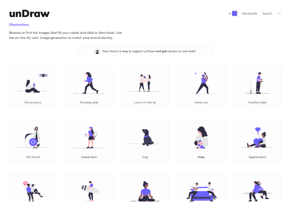
There's a site called Undraw that you can head over to and they will give you a bunch of illustrations that you can use to create really nice branded content.


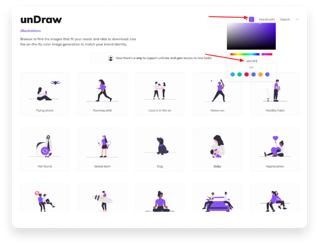
The cool thing about this tool is you can select a color and it's going to update all of these illustrations to match that color, so it'll match your brand.

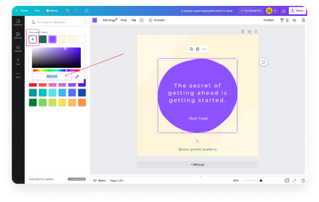
What we recommend is going back to Canva and copying the hash code for the color that you chose for your brand, then pasting it into Undraw for it to update all of these illustrations to be the exact same color across all your profiles and posts.

Step 2: Navigate back to Canva.com to grab branded color code

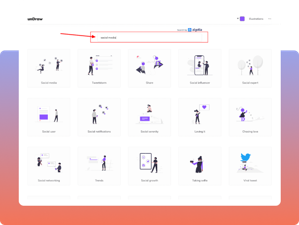
Step 3: Search for animations related to your niche

So if you're in social media, if you're in tech, you can search for a keyword and pull out the illustrations that are going to give you photos that you can use in your posts.


You can click on one of these photos and download it as an SPG or a PNG to use in Canva.

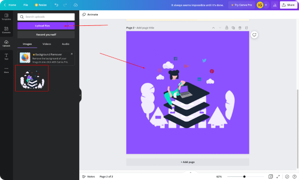
You then upload those files to Canva and you can create a sleek branded post that goes well with the rest of the posts on the IG profile.

Step 4: Upload animations in Canva to create an Instagram formatted post

2022 Path Social. All Rights Reserved